Wafcraft is a Classicube (Minecraft Classic replica that has more features and optimization) server where you can:
- Build shit and create your own maps, your own textures for said maps, even your own blocks!
- Shoot eachother on gun arena
- Create own models for the players and NPCs
- Explore other maps through
/gotocommand
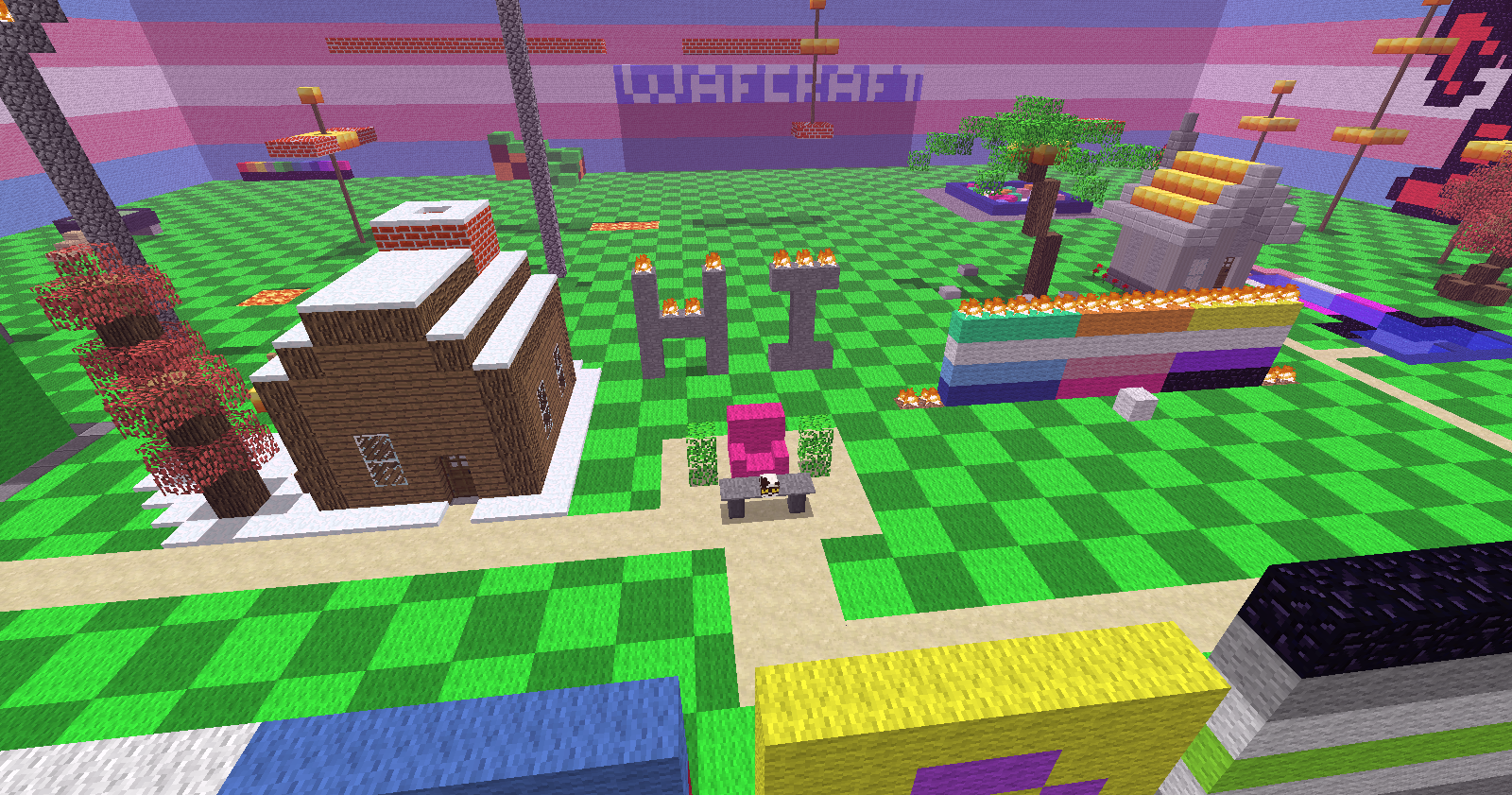
Wafcraft was originally made exclusively for WAFRN (a tumblr-inspired social media that connects to fediverse and bluesky/ATproto) users, but now it is open to others!
HOWEVER: it is not listed on public servers because we don't want to deal with potential angry random people that clicked on the server link out of curiosity, which means you can't play this server from the browser.
Requirements:
- Be at least 18 years old
- Have Classicube installed (it goes to a lot of devices and even consoles, which means even your potato can handle it)
Instructions:
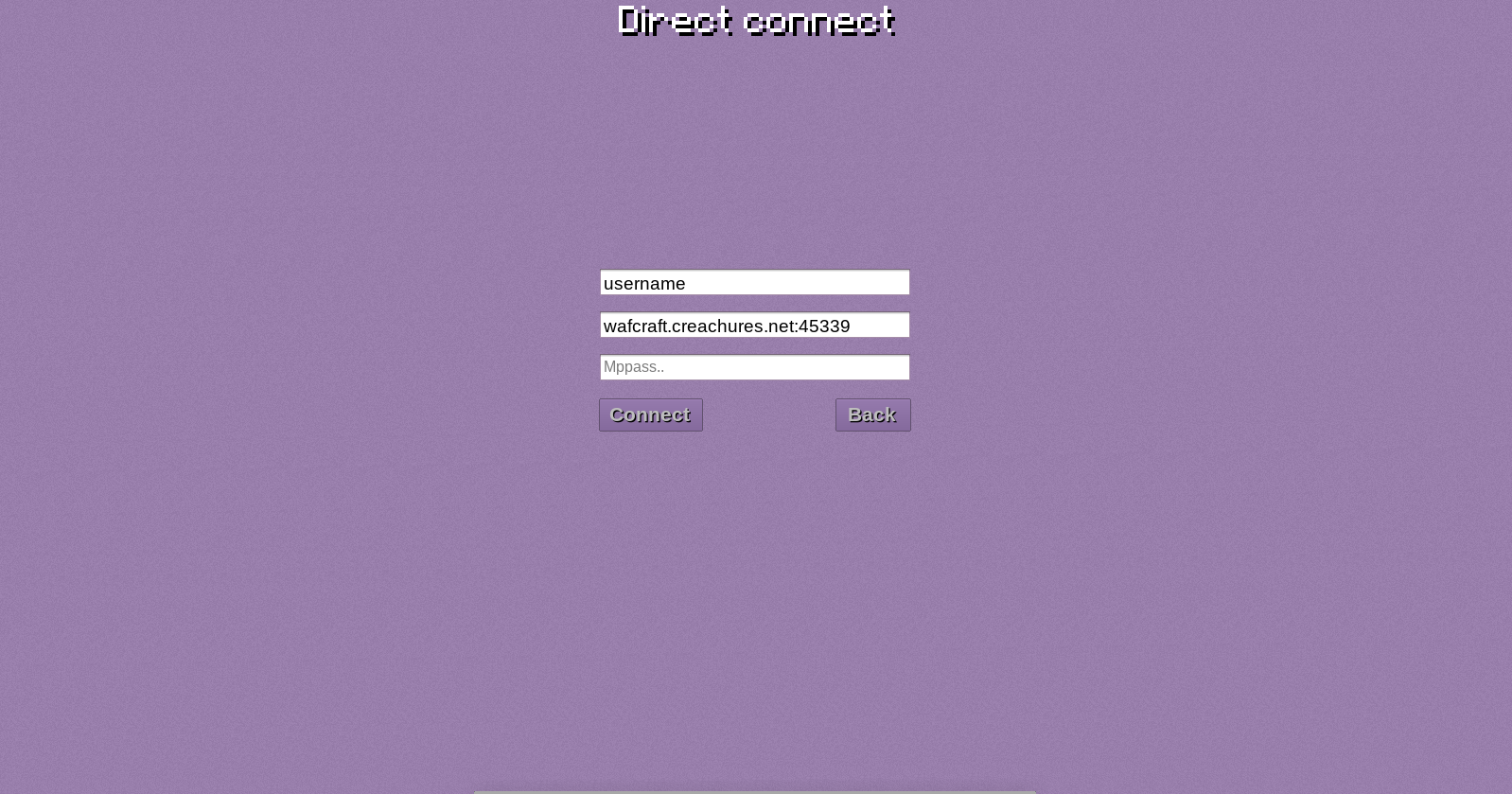
- Go to Direct Connect
- IP and port is
wafcraft.creachures.net:45339 - Mppass should be entered only when the game itself has asked you for creating a password (for instance, if you have an admin rank, you'll be obligated to have one) and this way you won't be obligated to enter
/passcommand each time you join. New players should leave it blank - It's best to have a Classicube account, as it attaches the skin automatically when you join the game. If it didn't work, try
/skincommand
Some cool commands to know:
When you join the game, you can build either on the main map or you can create your own through the /os command. When created, it automatically makes you the only one able to build on it, which can be regulated with /os perbuild.
/model and /cm are for wearing models. First command is for default ones, second is for user made ones.
More commands are on this github wiki, have fun and don't be afraid to ask questions!